When the main link drops, the backup is already waiting.

One internet provider is one point of failure, and your customers notice before you do.

Try the live demo
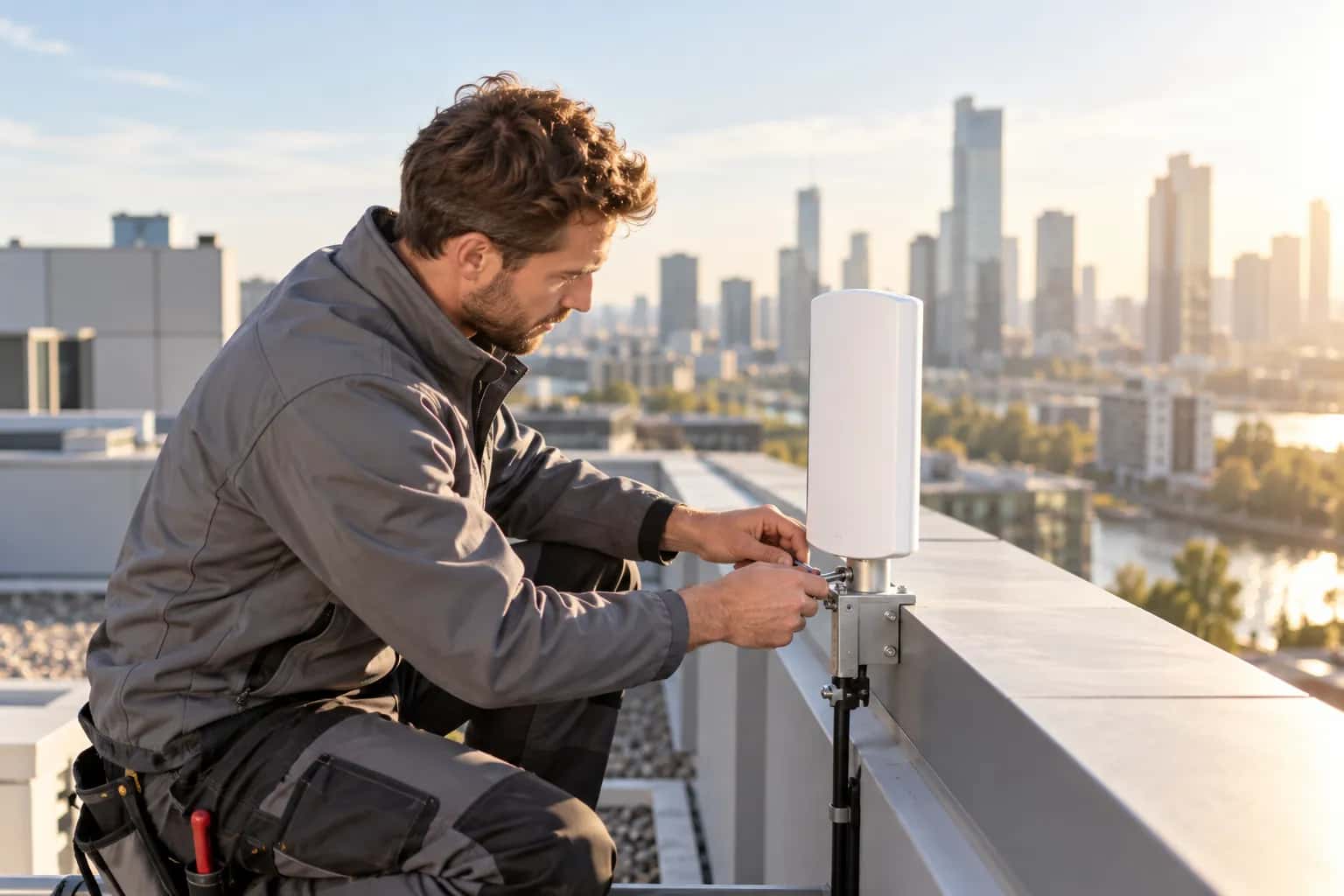
A person fitting a white antenna to a rooftop mount, with a city skyline behind.

Works with

  • MikroTik RouterOS 7.19 or later
  • Internet connections that give the router an address by DHCP
  • A spare ethernet port

One cable, one provider, one bad night

Your site runs on a single provider. When that provider has a bad night, every customer behind the router is offline, and the fix is a call to somebody else's support line.

P8 ISP lets you declare the second connection against a router: which port, and in what order. The router prefers the main link and moves to the backup when the main provider's gateway stops answering.

A gateway can keep answering while the internet behind it is gone. With Smart Failover on, the router also probes addresses beyond the gateway and moves to the backup when the main link stays lossy or slow.

This is a standby, not extra bandwidth. One link carries traffic at a time.

WAN failover: what it does

  • A backup on a spare port

    Choose a free ethernet port on the router, give it an order and a label such as the provider's name. Without Smart Failover you can add more than one backup, and lower numbers are tried first. With Smart Failover on, the router has one backup. The port is reserved, so it can't also carry subscribers or management. Ports on SFP aren't eligible.

    See how routers get on the network →
  • The router makes the switch

    Each link becomes a default route on the router. By default the router prefers the lowest-numbered link whose gateway still answers a ping check, and moves to the next when it doesn't. P8 ISP writes that configuration; the decision is made on the router.

    See what P8 ISP configures on a router →
  • Smart Failover checks past the gateway

    Smart Failover probes outside addresses from the router and switches to the backup when the main link shows sustained loss or high latency, not on a single dropped packet. It switches back once the main link is stable again. It stays off until you turn it on for a backup.

    See how a site outage is detected →
  • Applied to a running router

    Add a backup to a router that is already online and P8 ISP applies it without a reset. The router is set to undo the change by itself if the apply doesn't finish and check out, and the change is refused while subscribers are online on that port. Backup links need RouterOS 7.19 or later.

    See the RouterOS requirements →
  • Straight about what it knows

    The screen marks ports as primary or backup and shows them as configured. It doesn't claim which link is carrying traffic right now, because P8 ISP has no way to read that. Use outage monitoring to see whether a site is up.

    See whether a site is up →

WAN failover: how it works

  1. Free a port

    Pick an ethernet port that isn't the main connection, management or a subscriber port.

  2. Add the backup

    Choose the port, set its order and a label, and turn on Smart Failover if you want the quality check. The port gets its address from the provider by DHCP.

  3. Apply it

    Apply it to the running router, or include it in the configuration for a new one. From then on the router fails over by itself.

Without Smart Failover, the router only checks the provider's gateway, so a failure further upstream can go unnoticed while the provider's modem keeps answering. Smart Failover catches more of these, not every one, and its thresholds are fixed today.

WAN failover: common questions

Does it use both links at once?

No. One link carries traffic and the other waits. If you want extra bandwidth, this isn't it.

How does the router know the main link has failed?

By default it pings the provider's gateway. With Smart Failover on, it also probes addresses on the wider internet and switches when the main link stays lossy or slow, then back once it is stable.

Can I have more than one backup?

Yes, without Smart Failover: the router tries them in order. With Smart Failover on, a router has one backup.

Which RouterOS version do I need?

A router with a backup link needs RouterOS 7.19 or later. A router without a backup needs RouterOS 7.

Can I see which link is in use right now?

No. P8 ISP shows what is configured, not which route the router is using at this moment.

Does it work with a static address or PPPoE from the provider?

Not yet. Backup links are DHCP.

Add a second link, and stop waiting for one provider to recover.

Try the live demo, or create an account and try a backup on a spare router.